Stamps and critters
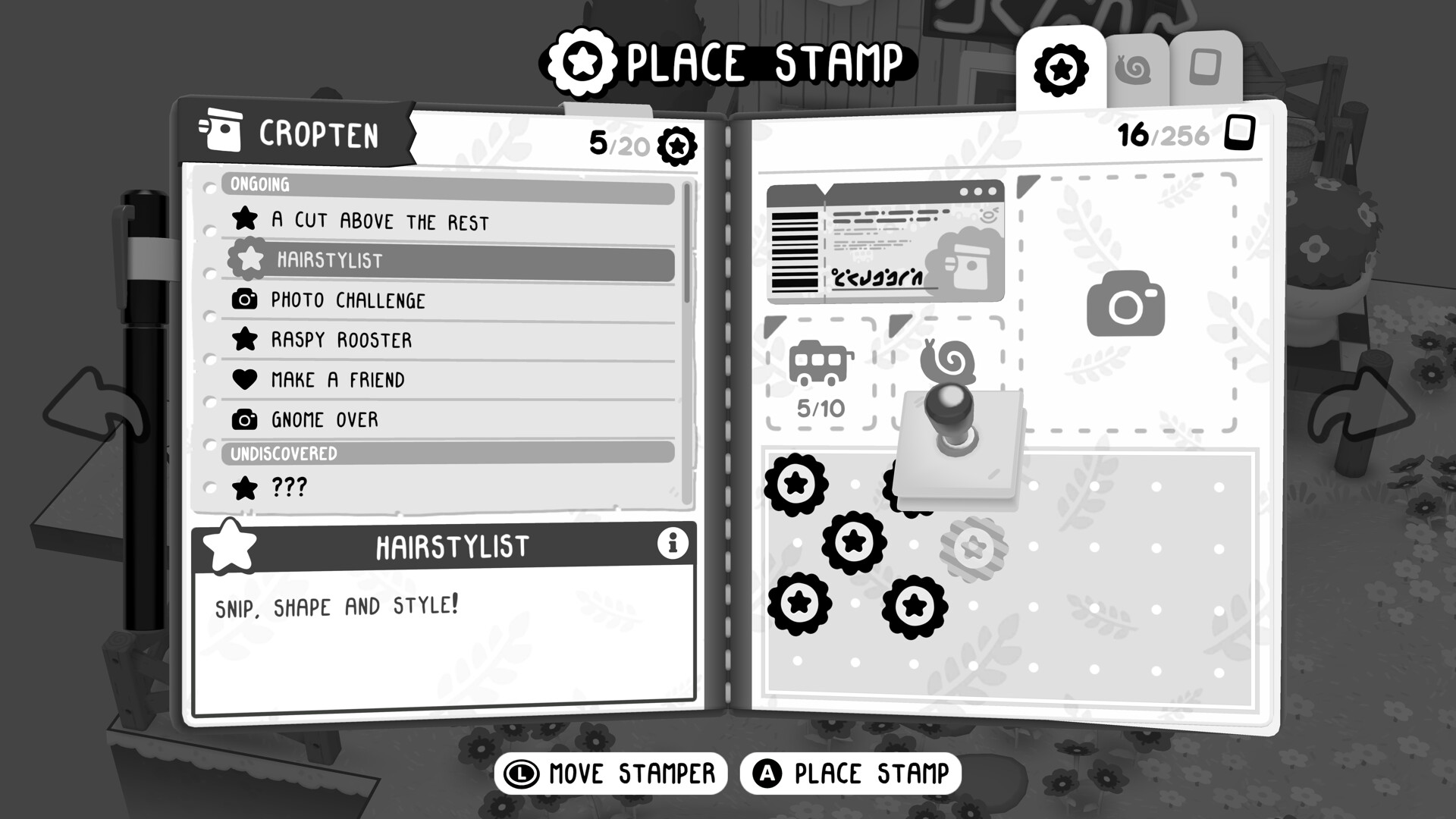
Stamps and critters are TOEM 2's two collection layers. Stamps are earned — they ink into your book as the world registers what you have accomplished. Critters are found — small animals living their own lives, photographed or missed. The two systems read as one obsession: your book wants to be full, and the world is not always cooperative.
Stamps: how the book fills
Every region keeps score. Meet everyone, photograph what people need, take in the small wonders the game is built around, and stamps ink into place page by page. Three properties matter in practice:
- Stamps follow categories, not counts. You are not collecting generic "photos taken" — each stamp corresponds to a specific kind of discovery. An empty slot where you expected a stamp means a different photos' genre is missing, not that a number fell short.
- Region stamps are the region's opinion of you. When a spread looks thin, the missing entry is usually a location you have walked past, not a task you failed.
- There is no penalty and no timer. The book waits as long as you do.
Critters: how the little ones get counted
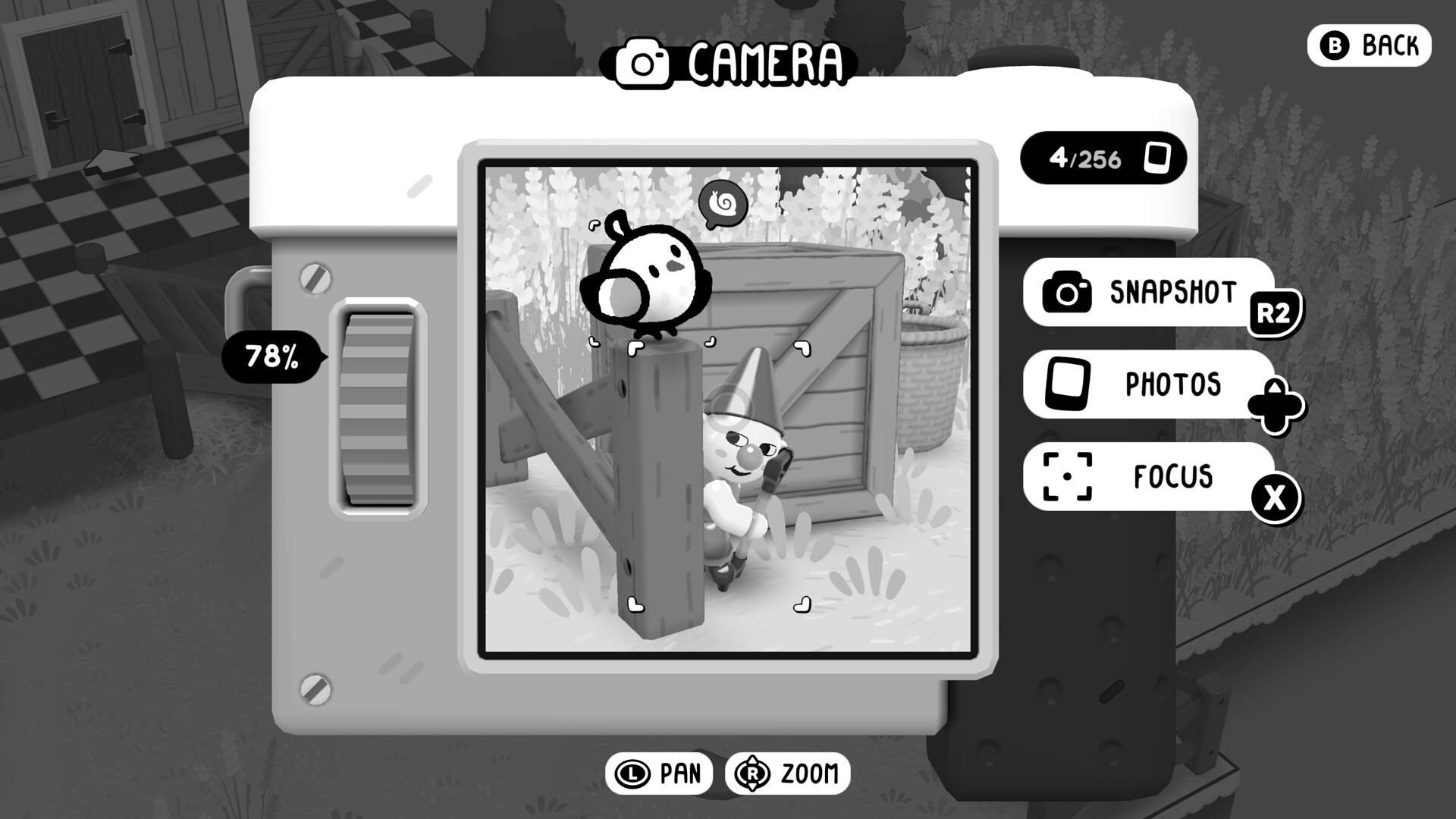
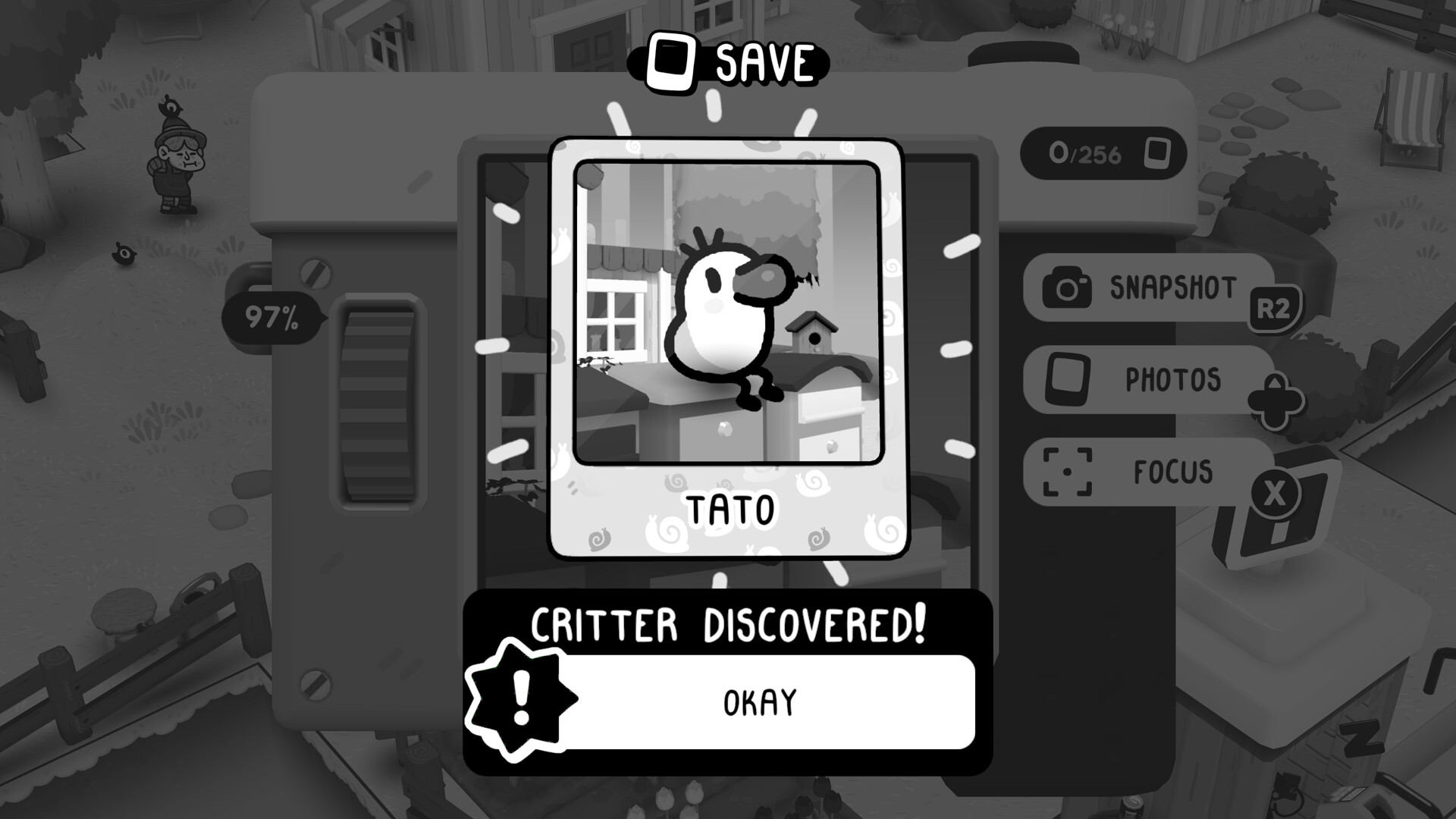
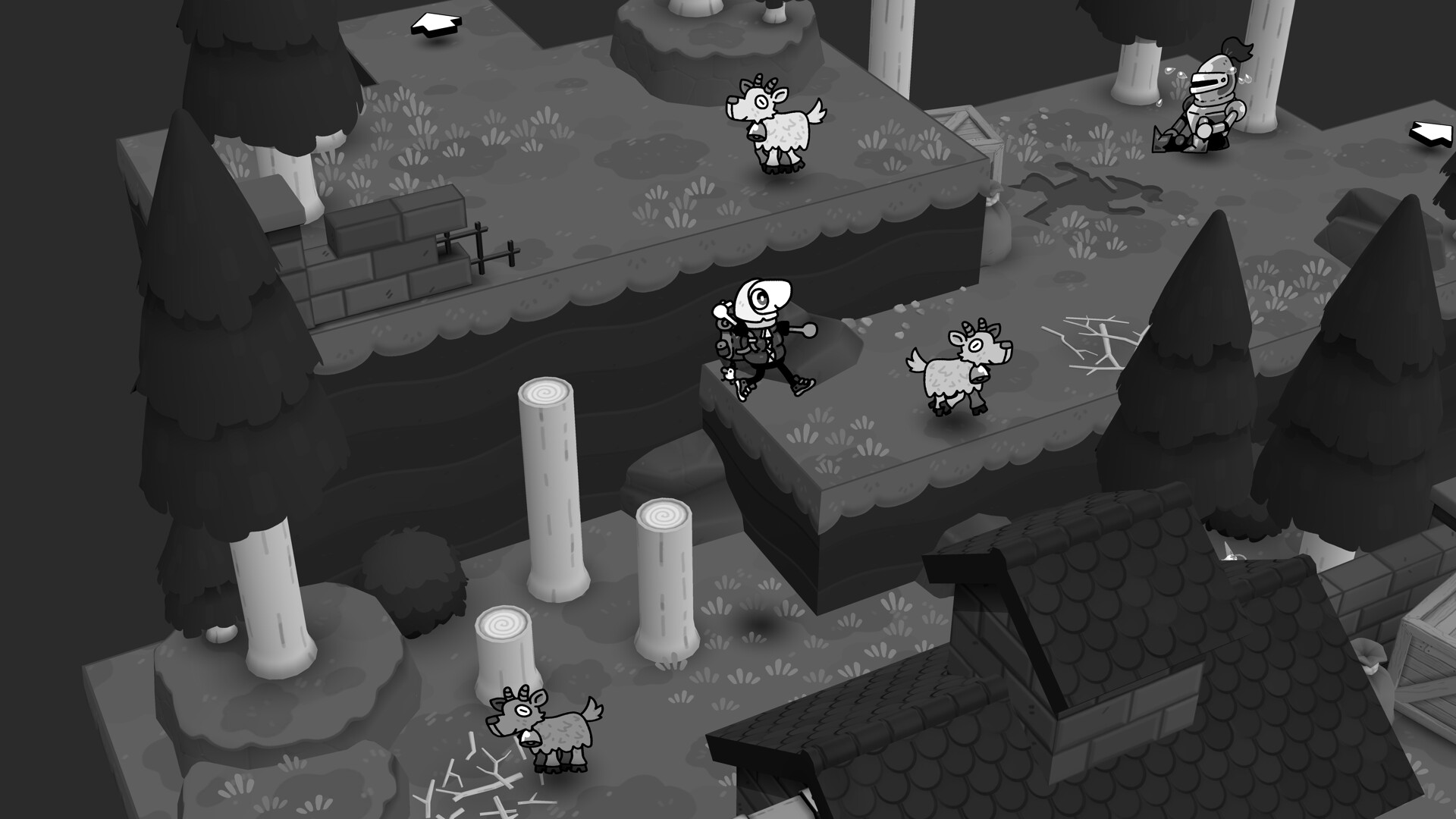
Critters — the birds, mammals and thoroughly unbothered animals of TOEM 2 — live on their own routes. A photo registers a critter when the animal is the subject of the shot: close enough, framed enough, unambiguous enough that the game cannot mistake it for scenery.
The demo's community found the classic false alarm: a Tato photographed from ordinary walking distance did not count as a critter. It was not a bug — it was distance. The rules of thumb that came out of those threads:
- Get closer than feels polite. Critters want to fill a meaningful part of the frame.
- Let the animal be the subject, not the street. A wide shot of a lovely scene with a bird somewhere in it is a scenery photo.
- Two shots, two distances. Roll is free; walk back only once.
What to check when something misses
| Symptom | Likely cause | Fix |
|---|---|---|
| Critter shot did not register | Distance or framing — the shot read as scenery | Step in, fill the frame, shoot again |
| Stamp slot stayed empty after a task | The stamp tracks a different category than the one you completed | Scan the spread for the region's remaining category |
| Photo counted but no notification | The shot satisfied a request quietly; some tasks settle without ceremony | Check the request's giver, not the HUD |
| A second critter photo did nothing | Most critter entries take one photo; duplicates are just keepsakes | Move on — the book already has it |
Stamps & critters FAQ
Are there missable stamps? The regions are built for revisiting, and the book holds no time-limited entries.
Does the demo's stamp book carry over? No. The demo was its own slice — no saves, no book, no roll.
How will I know the collection is complete? The book itself is the tracker; a region's spread completing is the signal. Completionists should note that photographs can satisfy stamps you have not yet seen asked for — shoot generously, sort later.